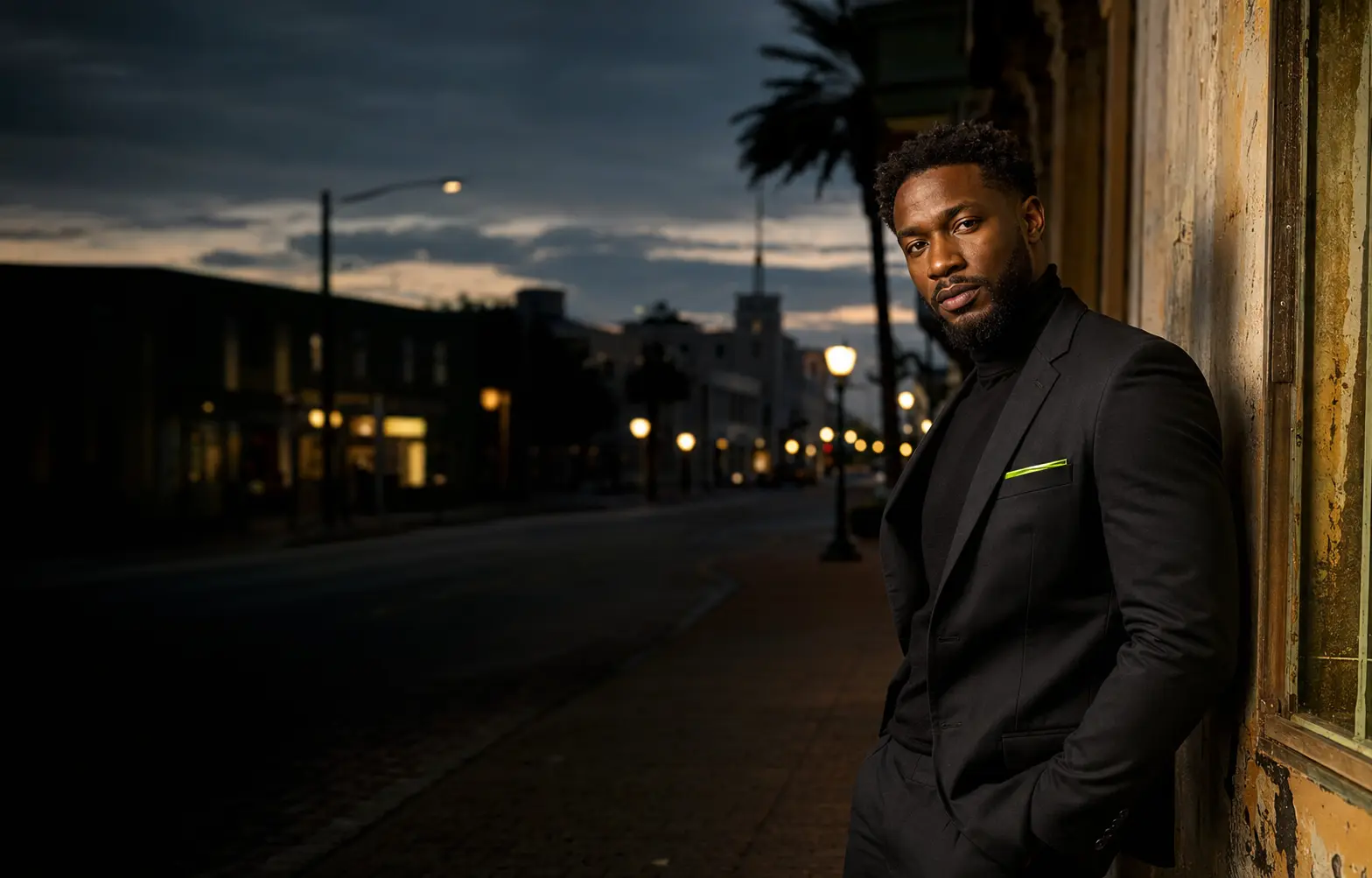
Make the first decision on location
A fast turnaround begins before the files reach the computer. When the client reviews unedited previews on location, the strongest frames are identified while the session is still fresh. That protects editing time for images the client actually wants.
Keep the preview honest. The goal is selection, not pretending an unfinished file is final. Explain what will change during polishing and what is already part of the photograph.
Protect the files before touching the look
- 01Ingest
Copy the card into a clearly named session folder.
- 02Verify
Confirm the file count and open several images before formatting anything.
- 03Back up
Create a second copy on another drive or trusted storage location.
- 04Select
Mark the purchased frames without moving or renaming originals unnecessarily.
Edit in passes, not random adjustments
First correct exposure and white balance across the set. Then shape contrast and color so the images belong together. Retouch only after the global look is stable. Working in passes keeps one photograph from becoming overworked while another is still unfinished.
- Pass one: exposure, white balance, and lens corrections.
- Pass two: contrast, color, and local light shaping.
- Pass three: skin, distractions, wardrobe, and background cleanup.
- Pass four: consistency check across the complete delivery set.
Slow down for the final five minutes
Before export, view every image at normal size and inspect the important details at full resolution. Look for repeated dust spots, strange edges, missed distractions, inconsistent skin color, and anything that changed between adjacent frames.
Export to a dedicated delivery folder, open the exported files, and verify dimensions, color, file names, and download access. A workflow is only fast when the client does not have to come back because something was missed.